Tampilkan postingan dengan label web. Tampilkan semua postingan
HOW TO PROTECT AGAINST DDOS ATTACKS - STOP DENIAL OF SERVICE

HOW TO PROTECT AGAINST DDOS ATTACKS - STOP DENIAL OF SERVICE

DDoS Attacks: Situation Overview

Over the last decade, Distributed Denial of Service (DDoS) attacks have continued to proliferate, becoming one of the primary threat types facing virtually every industry and business area that is exposed to the public Internet.Therefore, DDoS protection must be at the core of a successful security strategy.
DDoS attacks attempt to bring down and infiltrate Web sites by flooding the site's origin server with bogus requests, often from multiple locations and networks. If allowed to proceed unchecked, this DDoS attack traffic can produce results ranging from slow page loads to a complete blockage of legitimate site traffic.
These types of attacks can originate from a variety of sources, including 'hacktivists,' for-profit hackers, state-sponsored hacking groups, and others. In many cases, DDoS attacks leverage the force multiplication advantage of 'botnets,' essentially armies of computers that are penetrated and recruited to generate attack traffic unbeknownst to their own user or administrator.

DDoS Mitigation

Given the growing number and scale of DDoS attacks, planning for DDoS attack detection and mitigation is a critical IT function. Since it's virtually impossible to build out sufficient infrastructure to scale in response to a large DDoS attack, solutions like Akamai's Kona Site Defender are increasingly being deployed by owners of Web properties across virtually every industry. Cloud-based solutions like Kona Site Defender offer built-in scalability and global reach to defend against most common types of DDoS attacks, as well as attacks against web applications (SQL Injections, Cross Site Scripts, etc.) and direct-to-origin attacks.

How Kona Site Defender Blocks DDoS Attacks

Kona Site Defender mitigates DDoS attacks by absorbing DDoS traffic targeted at the application layer, deflecting all DDoS traffic targeted at the network layer such as SYN Floods or UDP Floods, and authenticating valid traffic at the network edge. This built-in protection is "always on", and only Port 80 (HTTP) or Port 443 (HTTPS) traffic is allowed. Bursting fees can be capped so users are protected from DDoS traffic running up service fees, and flexible caching maximizes offload from origin.
For added protection, many organizations add a defense layer that protects the Domain Name Server from being overloaded and compromised by Denial of Service attacks, such as Akamai's Fast DNS solution. Both of these solutions leverage the power of the Akamai Intelligent Platform™, which consists of more than 160,000 servers deployed across over 1,200 networks in more than 95 countries.

Akamai's Global Scale Helps Combat DDoS Attack Traffic

The worldwide distribution and massive scale of the Akamai Intelligent Platform™ enables Web sites to stay available without re-routing traffic or impacting performance. Akamai handles 5.5Tbps of traffic daily on average and has handled peak traffic flows of over 8Tbps. And DDoS mitigation capabilities are implemented natively in path so protection is provided only one network hop from the point of request—NOT at the customer origin.

How Secure Website


CSRF - You need to have protection in place to prevent cross site request forgery - or requests to login, signup, or other actions from other sites. This can be used to trick users into performing actions they didn't intend to.
CAPTCHA on signup - It's often recommended to use a CAPTCHA on your sigh-up form to reduce automated signups. How important this is depends on your threat model.
Secure login - The login needs to happen over HTTPS to reduce the risk of the user's credentials being captured via a MiTM attack.
Cookies - While login over HTTPS should be seen as a minimum, everything else really should be over SSL as well to protect the cookies (remember Firesheep?). Though just using SSL isn't enough, you need to set the Secure flag and HttpOnly flag whenever possible.
Email Confirmation - You need to make sure that you verify a user's email address as part of the sign-up process (I'd suggest not letting them login until it's confirmed). You'll need to have this for use in password resets.
Bruteforce protection - You need to protect against an attacker bruteforcing user accounts. There are various ways to do this, locking accounts (which can be used as a DoS attack by locking out large number of users), limiting failed attempts from a given IP (either via ban, or additional CAPTCHA). There are pros and cons to each method, but it's important that you have some form of protection in place.
Secure password reset - You need to make sure that you have a secure method for resetting passwords. This one is more complicated than most people think, and is easy to get wrong (as Apple recently found). The biggest risk is that an attacker finds a way to abuse the feature to reset accounts that they don't own.
I'd strongly suggest that you read the OWSAP Authentication Cheat Sheet, it goes into detail on these and many other potential issues; and as always, when building new systems, it's a good time to take another look at the OWASP Top 10 and make sure you have taken the proper precautions.
12 Tips to Protect Your Company Website From Hackers

12 Tips to Protect Your Company Website From Hackers

Making your website live is like unlocking the door to your premises with your office and safe open: Most of the people who visit your physical building will never even know that all of your data is there to discover just by walking in. Occasionally you will find someone with malicious intent who will walk in and steal your data. That is why you have locks on doors and safes.
Your website is just the same, except that you will never see anyone come in unless you have protection systems in place. Electronic thieves are invisible and fast., searching for your website for details of customers’ accounts, especially for their credit card information. You have a legal obligation to protect this data from theft and to report security breaches that occur.
Theft is not the only thing on the mind of a hacker: Sheer destruction is a major motivator. Hackers may want to destroy all your records, put a sick message on your customers’ screens or just destroy your reputation.
You can never undo the damage done by a hacker, you can take steps to prevent it. Even the most basic protection will discourage many hackers enough to make them go looking for easier pickings elsewhere. Thieves are likelier to steal from people who leave their doors unlocked.

1. Stay updated.

You need to stay up to date with hacking threats. If you have at least a basic knowledge of what is possible then you can protect your website against it. Follow updates at a tech site such as The Hacker News. Use the information you gain to put fresh precautions in place when necessary.

2. Toughen up access control.

The admin level of your website is an easy way into everything you do not want a hacker to see. Enforce user names and passwords that can not be guessed. Change the default database prefix from “wp6_” to something random and harder to guess. Limit the number of login attempts within a certain time, even with password resets, because email accounts can be hacked as well. Never send login details by email, in case an unauthorized user has gained access to the account.

3. Update everything.

Updates cost software companies money. They only do it when necessary, yet many people who use the software do not install updates immediately. If the reason behind the update is a security vulnerability, delaying an update exposes you to attack in the interim period. Hackers can scan thousands of websites an hour looking for vulnerabilities that will allow them to break in. They network like crazy, so if one hacker knows how to get into a program then hundreds of hackers will know as well.

4. Tighten network security.

Computer users in your office may be inadvertently providing an easy access route to your website servers. Ensure that:
  • Logins expire after a short period of inactivity.
  • Passwords are changed frequently.
  • Passwords are strong and NEVER written down.
  • All devices plugged into the network are scanned for malware each time they are attached.
Ever since I founded my hosting company, we've had to watch our network security on a minute-by-minute basis not to be hacked. 

5. Install a web application firewall.

A web application firewall (WAF) can be software or hardware based. It sets between your website server and the data connection and reads every bit of data passing through it.
Most of the modern WAFs are cloud based and provided as a plug-and-play service, for a modest monthly subscription fee. Basically, the cloud service is deployed in front of your server, where it serves as a gateway for all incoming traffic. Once installed, web application firewall provides complete peace of mind, by blocking all hacking attempts and also filtering out other types of unwanted traffic, like spammers and malicious bots. This is a great way to avoid getting hacked like Craigslist.

6. Install security applications.

While not as effective as a full blown WAF, there are some free and paid for security applications that you can install that will make life a bit more difficult for hackers. In fact, even some free plugins such as that fromAcunetix WP Security can provide an additional level of protection by hiding the identity of your website’s CMS. By doing so this tool makes you more resilient against automated hacking tools that scout the web, looking for WordPress sites with specific build and version, which has one or more known vulnerabilities.

7. Hide admin pages.

You do not want your admin pages to be indexed by search engines, so you should use the robots_txt file to discourage search engines from listing them. If they are not indexed then they are harder for hackers to find. This tutorial from SEObook.com is all the help you will need.

8. Limit file uploads.

File uploads are a major concern. No matter how thoroughly the system checks them out, bugs can still get through and allow a hacker unlimited access to your site’s data. The best solution is to prevent direct access to any uploaded files. Store them outside the root directory and use a script to access them when necessary. Your web host will probably help you to set this up.

9. Use SSL.

Use an encrypted SSL protocol to transfer users’ personal information between the website and your database. This will prevent the information being read in transit and accesses without the proper authority.

10. Remove form auto-fill.

When you leave auto-fill enabled for forms on your website, you leave it vulnerable to attack from any user’s computer or phone that has been stolen. You should never expose your website to attacks that utilize the laziness of a legitimate user.

11. Back-up frequently.

Just in case the worst happens anyway, keep everything backed-up. Back up on-site, back up off-site, back up everything multiple times a day. Every time a user saves a file it should automatically back up in multiple locations. Backing up once a day means that you lose that day’s data when your hard drive fails. Remember every hard drive will fail.

12. You can't hide your code.

You can buy software that says it will hide the code on your webpages. It doesn’t work. Browsers need access to your code in order to render your website pages, so there are simple ways to get around web-page “encryption.”
Disabling “right-click” as a way to view your website code is annoying to users because it also disables every other “right-click” function, and there are simple workarounds that every hacker knows anyway. If you have been told that it is possible then read this article on HTMLgoodies.com to get in-depth explanations of why you can never hide your code.
Your Experience: Has your website been hacked? How did the criminals get in? Please use the comments facility below to share your story including the changes you made after the attack

10 Places to Sell Your Web Site

10 Places to Sell Your Web Site

There comes a time when we all have an idea for a web site, we set it up and then…we never have time to work on it. There also comes a time when you realize you don’t have the passion you once did, and instead of just letting it die, you want to find a new caretaker for your once beloved web site. So, what do you do when one of these situations happens?
Well, it’s time for you to look into selling it off — but then comes the question of where to do that. We’ve collected ten of the best options for you.
Flippa.com: has the most websites for sale, over 3,000 at time of writing and also has the largest number of buyers, over 600,000 are registered to buy websites and domain names on Flippa. Over $130 million in web sites have sold on Flippa since launch in 2009. Flippa comes with a simple interface, a super powerful search feature, the option to upgrade your auction , they charge a small listing fee $9-$19, with a 10% success fee. What makes Flippa stand out from the pack is their trust and verification features, like phone number verification and verified Google Analytics traffic stats, which helps boost average selling prices. Flippa also attracts serious buyers who are prepared to pay good money for high quality sites through Deal Flow, website broker service.
Flippa's homepage
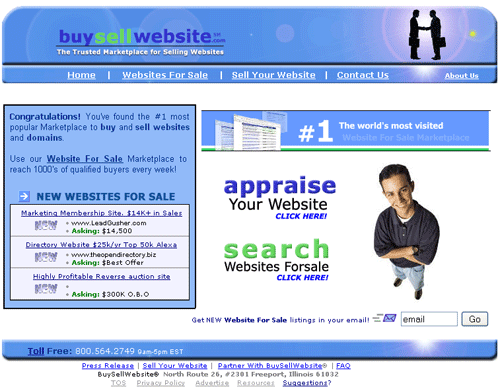
BuySellWebsite.com: BuySellWebsite specializes in established and start-up web sites. Established web sites cost $59 for a 2-week listing, or $99 for a two-month long listing (with a free one-month extension, for a total of three months) that includes being featured on the front page. Start-up sites cost the same, but don’t include the front page featuring.
buysellwebsites
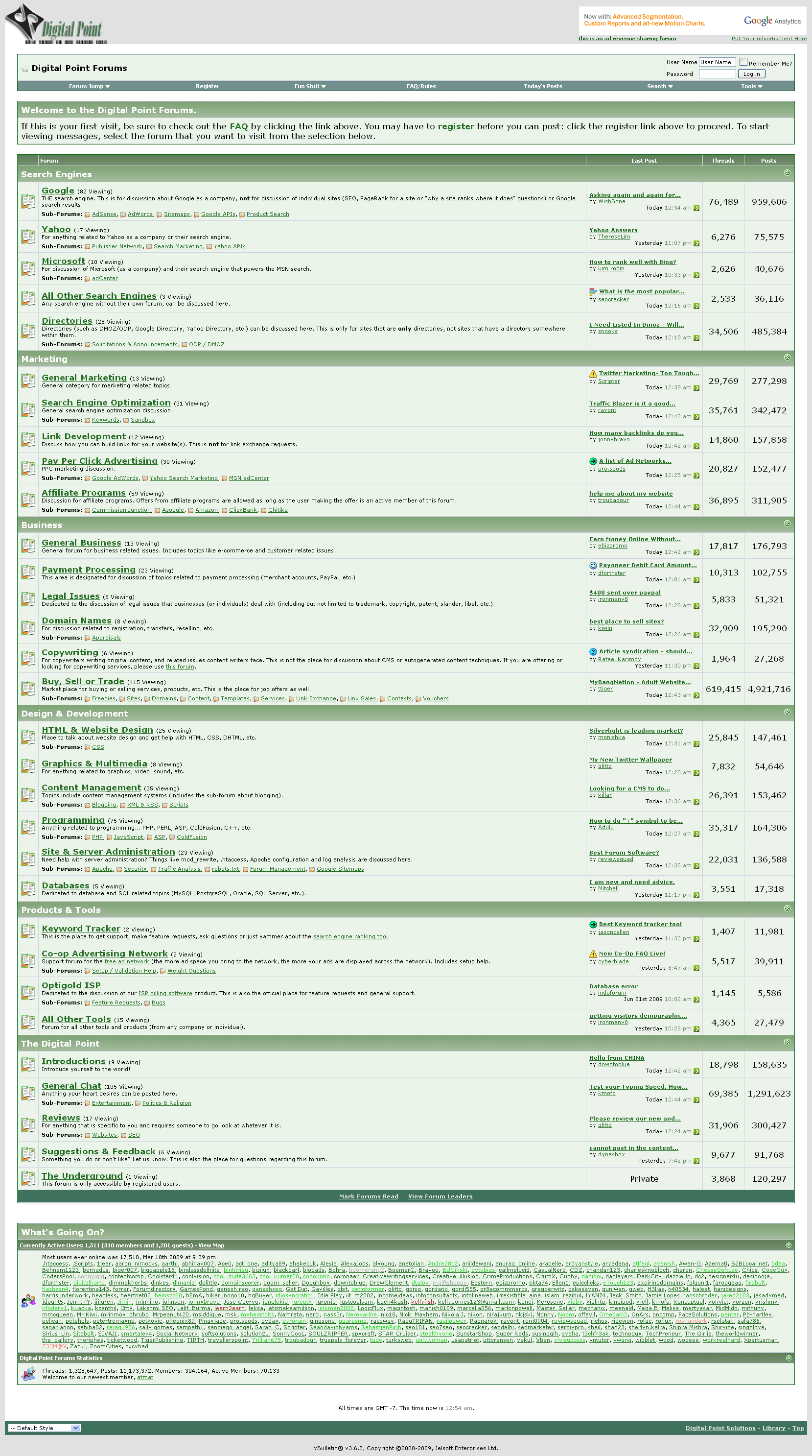
Forums.DigitalPoint.com: A forum for all types of web development that allows you to post a site for sale as long as you have been a member for at least 14 days, do not have a reputation in the red and have a minimum of 25 posts throughout their boards.
forums_digitalpoint_coms
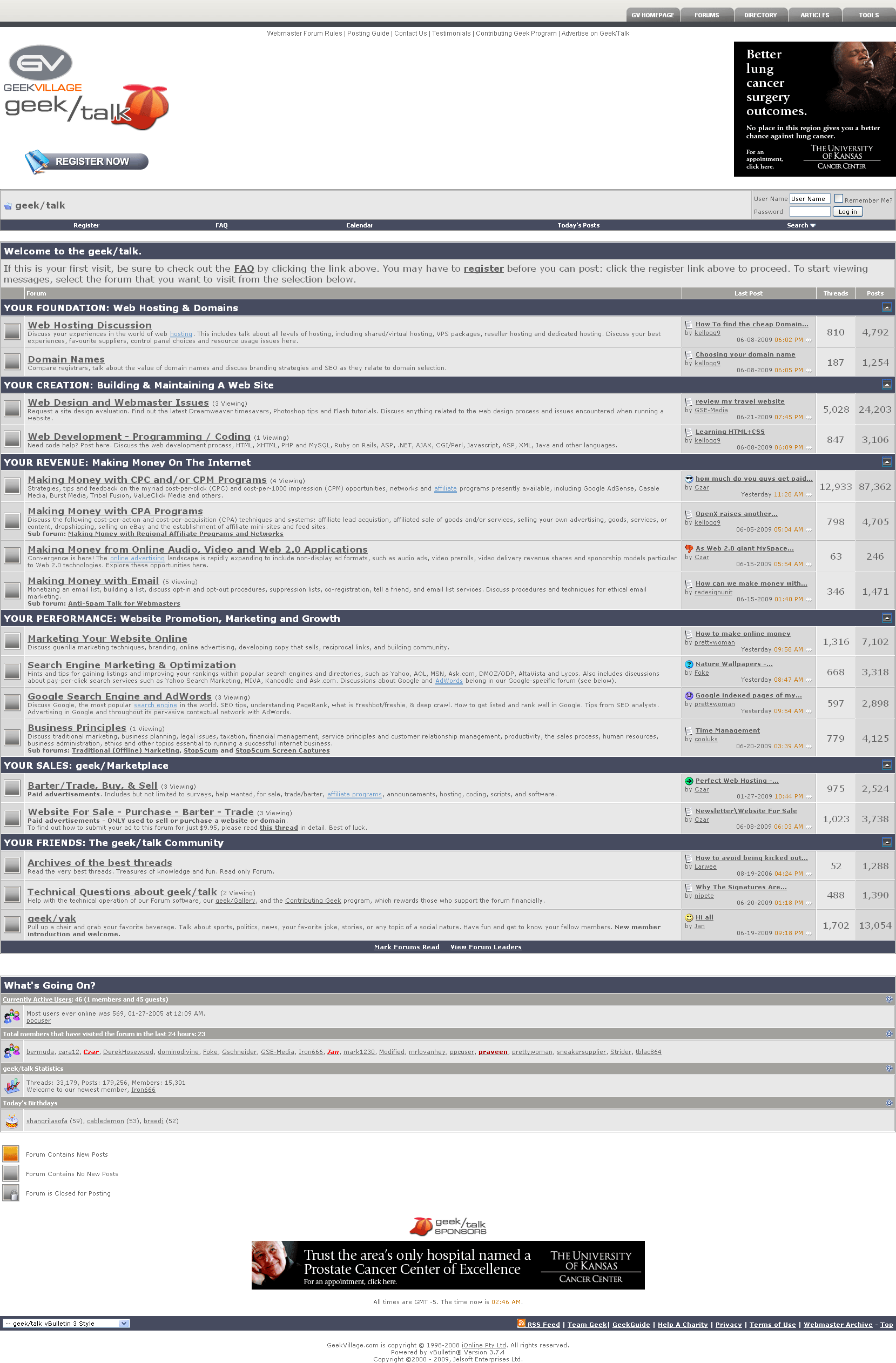
GeekVillage.com Forums: To list your site with the GeekVillage.com forums, it will cost you $9.95 per topic, and you must be a member in good standing with the forum.
geekvillages
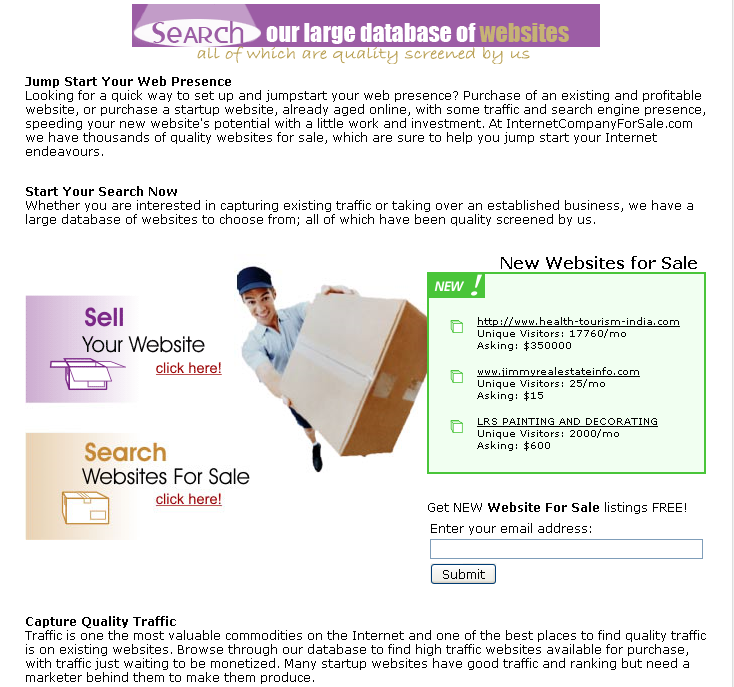
InternetCompanyForSale.com: This site charges no commissions on the sales through their company, but they do have one time listing fees depending on the type of site you want to sell. Established sites pay $59.95 for list-til-you-sell. Start-up sites will cost you $39.95, and a Permanently Featured Listing, either for a established site or start-up, it will cost you $99 and will get you featured in their bi-weekly newsletter.
internetcompanyforsale2s
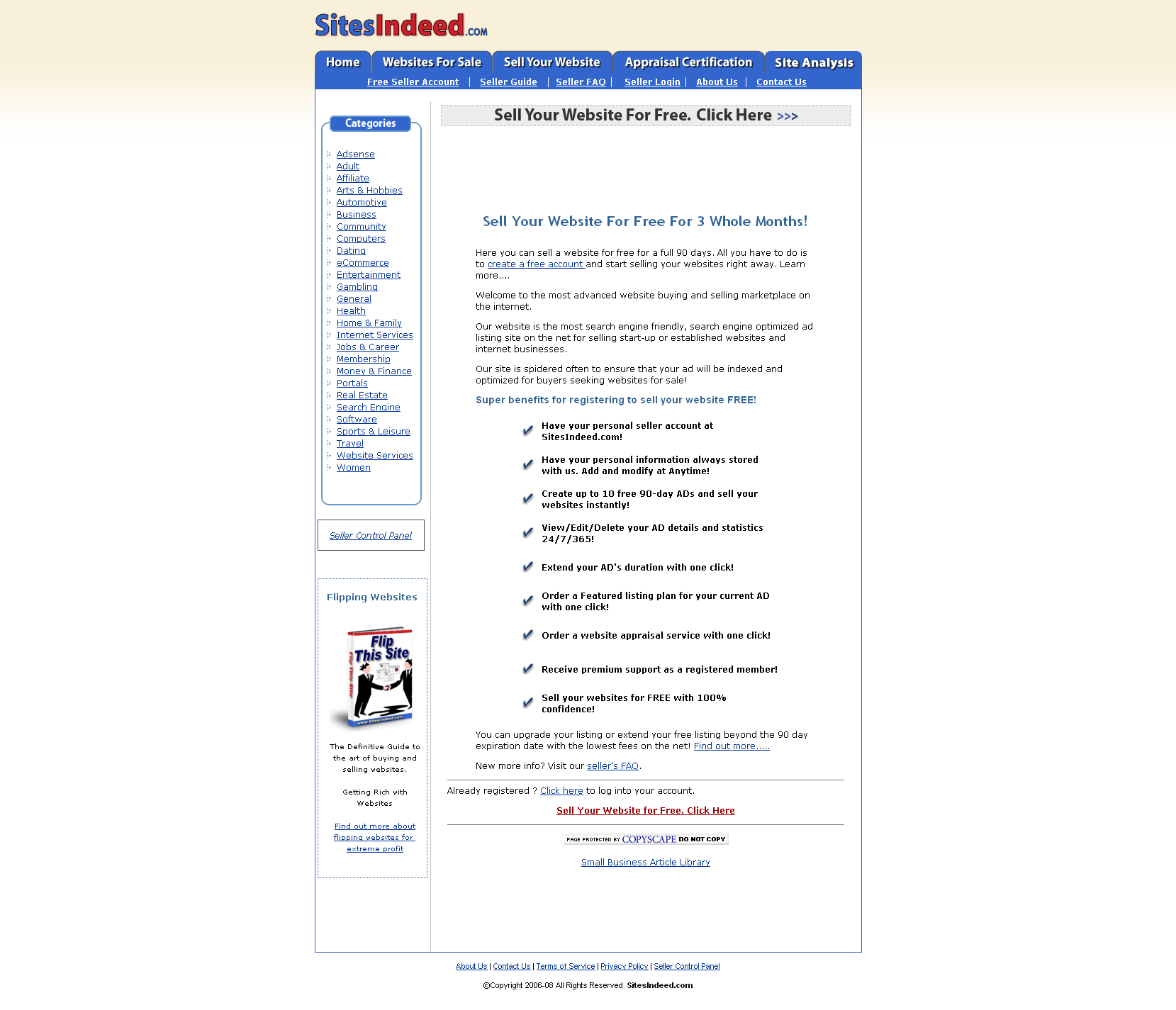
SiteIndeed.com: SiteIndeed provides basic listing ads for free for up to 90 days, but if you want to extend your listing past that they will charge you a fee based upon the number of days you choose. The site also provides featured listings that will give your site more prominent display for a fee, based on the number of days you wish to list it.
sitesindeeds
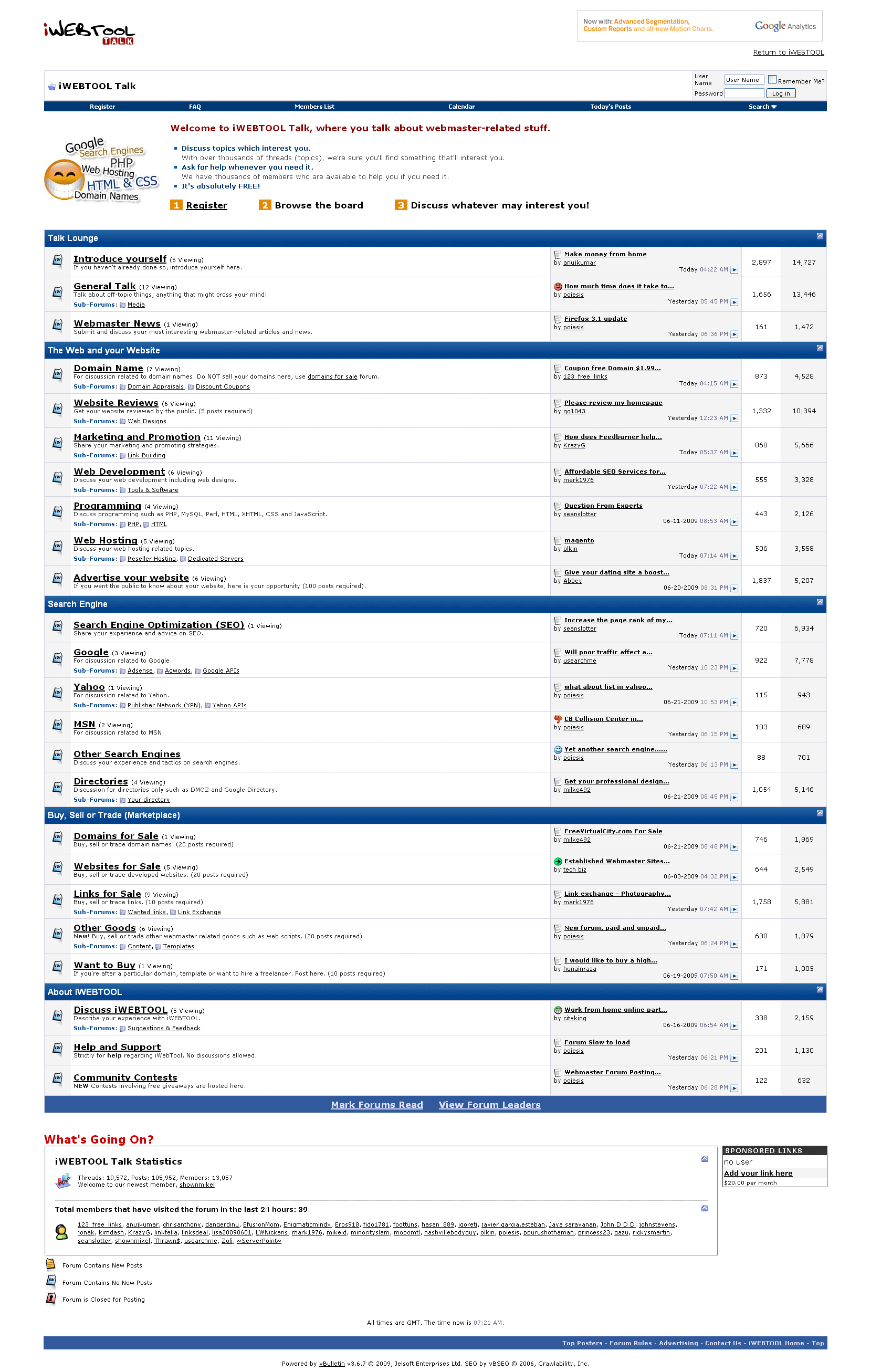
Talk.iWebTool.com: A forum dedicated to everything about developing your own web sites and domain names. It also has an active sales area for selling domain names, sites, scripts and more.
iwebtools
Webmaster-Talk.com Marketplace: A general sales site that allows you to do everything from promoting your services to selling your established sites. General listing fees are free, but services such as promotions will cost you credits you purchase with the site. With auctions, you can select to feature it on the main page, highlight it, etc., and those services will cost you a few dollars each.
webmaster-talks
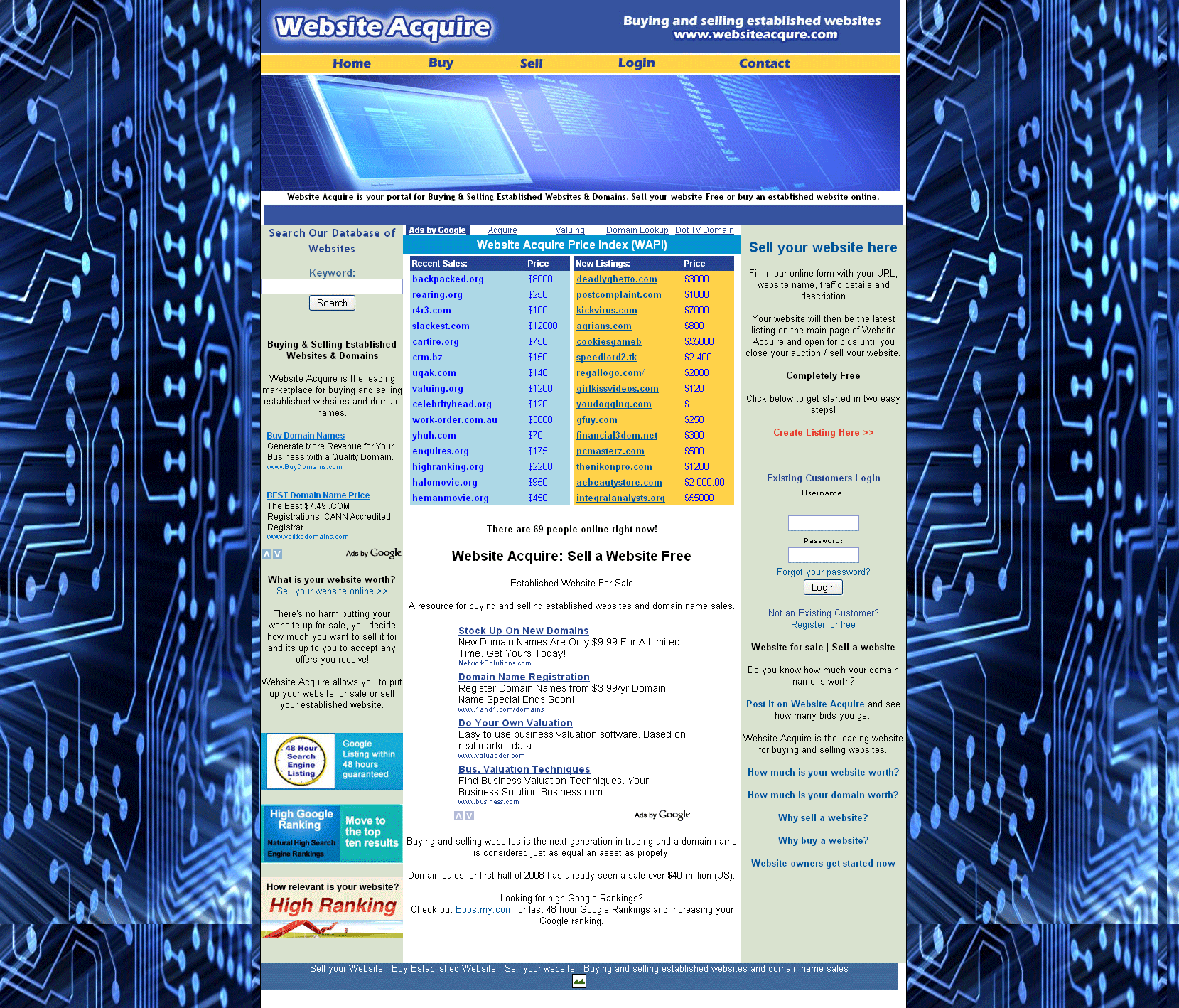
WebsiteAcquire.com: WebsiteAcquire only charges $5 for listing your site, but it isn’t very browsing friendly. When a user clicks on the link to buy a site, they ask you to search on keywords instead of just letting you browse the currently available listings.
websiteacquires
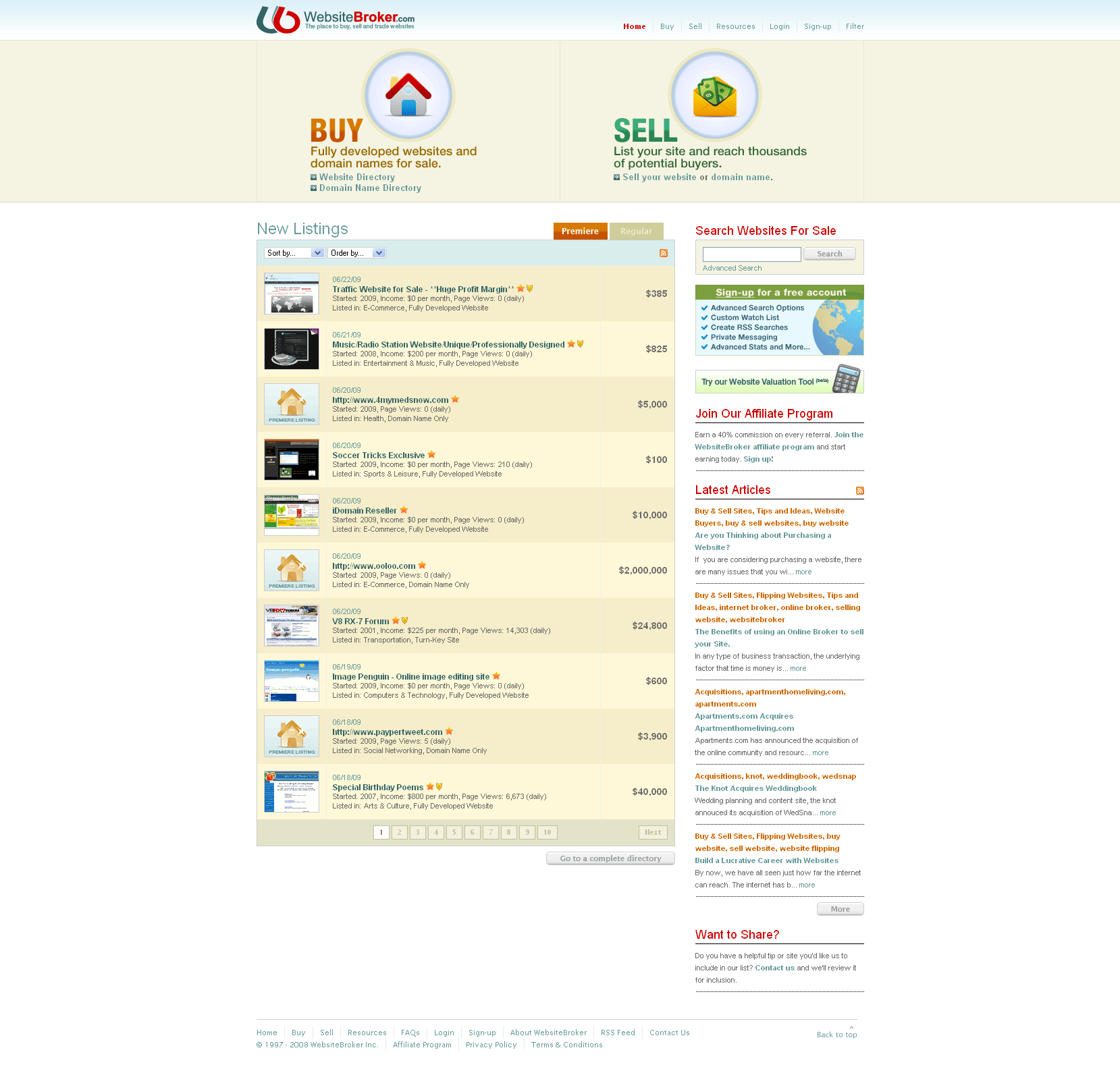
WebsiteBroker.com: WebsiteBroker allows you to sell both domain names and complete web sites. Web sites can be listed for 90-days for $9.95, or $29.95 for a premium listing that gains you extra exposure. Domain names have similar auctions priced at $9.95 for standard listing and $14.95 for premium. There is no commissions charged on completed listings.
websitebrokers
Which site is your favorite for selling your excess web sites?